


Top 8 Email Marketing Platforms 2026
Choosing the right tool for email marketing can make all the difference for your business. So many options promise creative features and user-friendly designs, but finding one that truly matches your goals can feel overwhelming. Some focus on simple email creation, others offer detailed reporting or advanced automation to help you reach the right audience at the best time. With new technology always emerging, the features can surprise you. Get ready to discover which platforms might fit your needs and what unique tools set them apart from the crowd.
Table of Contents

Sender.net
At a Glance
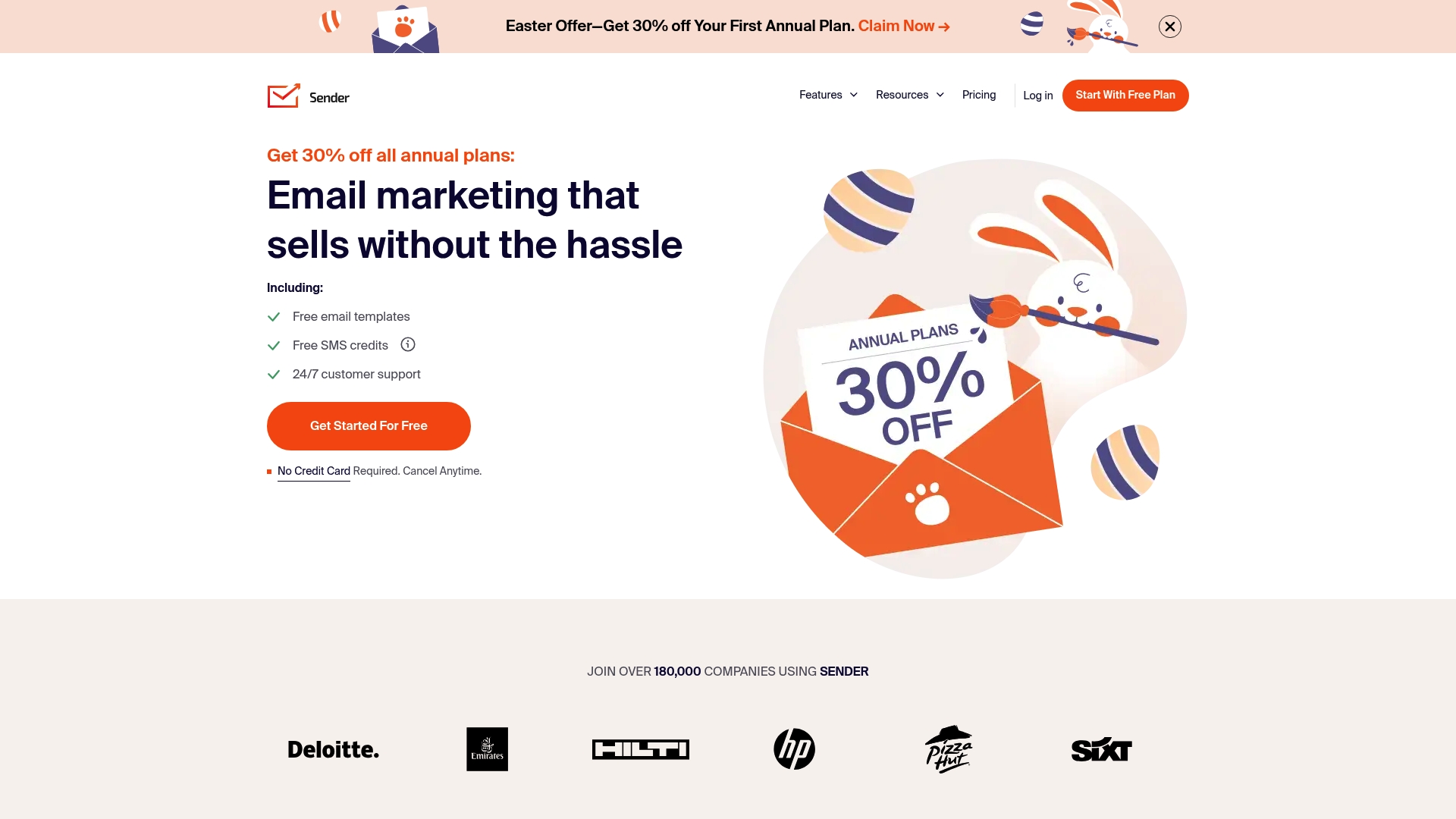
Sender.net is an all-in-one email marketing platform built to handle campaigns, automation, transactional messages, SMS, and lead capture from a single dashboard. It stands out for high deliverability and a generous free plan that helps small businesses get started without risk.
Core Features
Sender.net combines email marketing campaigns, marketing automation, transactional emails, SMS marketing, and lead capture forms and landing pages into one interface so you manage audience growth and outreach in one place. The dashboard includes segmentation, reporting, and workflow builders for practical campaign control.
Pros
- Comprehensive platform: Sender.net covers campaigns, automation, SMS, and transactional email so you do more without juggling multiple tools.
- High deliverability rates: The service emphasizes deliverability which helps your emails land in inboxes more reliably than generic providers.
- Generous free plan: The free tier allows up to 2,500 subscribers and 15,000 emails per month, which is large enough for many small businesses to test and scale.
- Strong automation and segmentation: Automation workflows and audience segmentation let you send timely messages that match customer behavior and lifecycle stage.
- Responsive customer support: Users report helpful support which reduces downtime when campaigns or technical issues arise.
Cons
- Interface may be complex for beginners and you will face a learning curve when setting up advanced automations.
- Limited customization options in some templates make it harder to create fully branded emails without manual edits.
- Some advanced features require higher tier plans so certain capabilities like expanded SMS or unlimited landing pages cost extra.
Who It’s For
Sender.net suits small businesses and marketers who want a scalable, all-in-one email marketing solution with automation and solid deliverability. If you need to run promotional campaigns, transactional triggers, and SMS from one place, this platform fits well.
Unique Value Proposition
Sender.net’s main advantage is combining campaign sending, transactional delivery, and SMS into a single product while focusing on deliverability and compliance. That mix reduces tool sprawl and keeps list management and analytics centralized for clearer decision making.
Real World Use Case
A small retail business uses Sender.net to send weekly promotional emails, automate abandoned cart messages, and capture leads with popups and landing pages. The team manages all messages and analytics from the same dashboard which saves time and keeps customer data unified.
Pricing
Sender.net offers a free plan that covers up to 2,500 subscribers and 15,000 emails per month. Paid plans start at $7 per month and add features like SMS messaging, unlimited landing pages, and expanded automation options.
Website: https://sender.net
Mailchimp
At a Glance
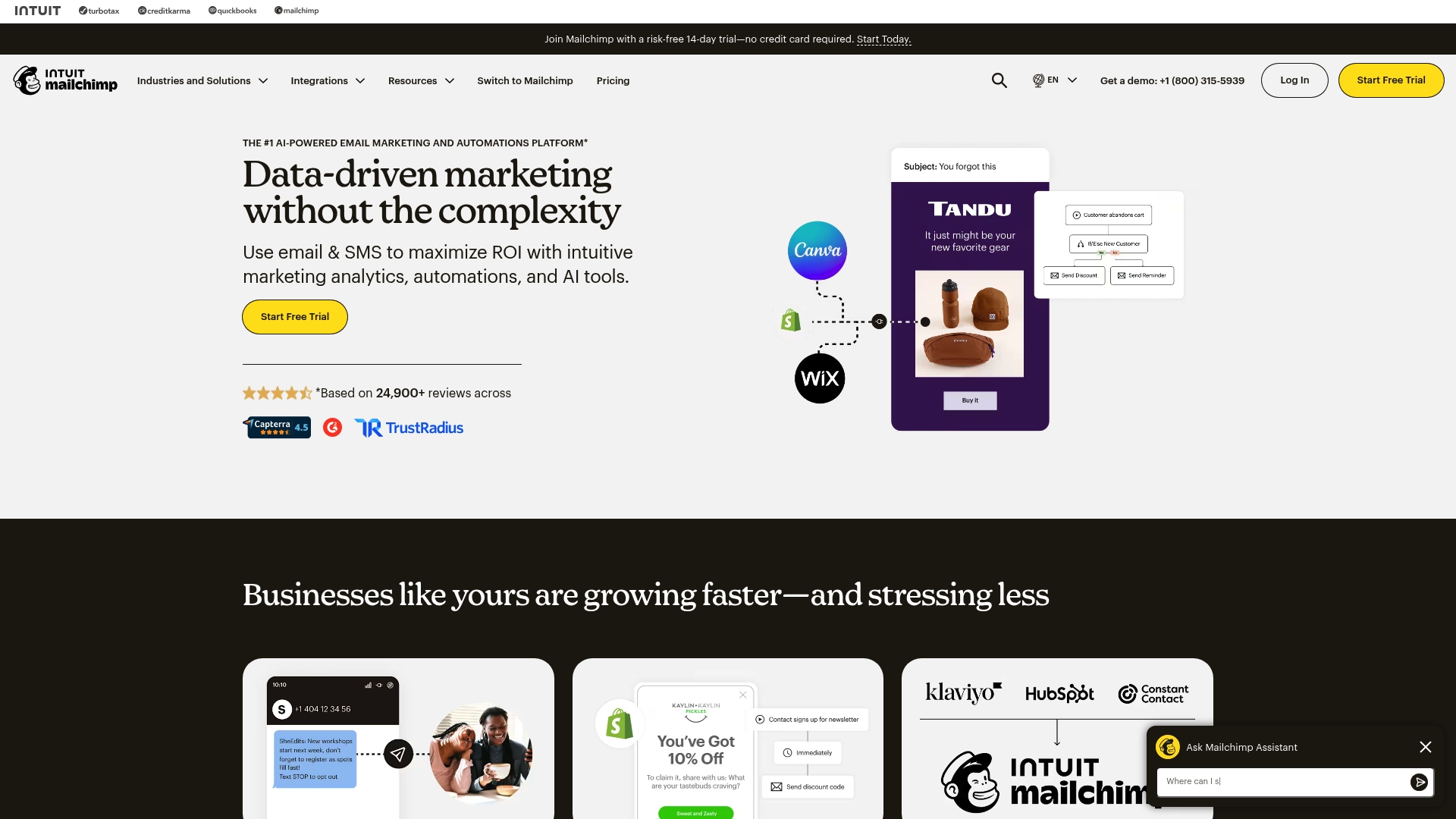
Mailchimp is an AI-powered email marketing and automation platform that balances powerful reporting with approachable tools. It fits small and medium businesses that want data-driven campaigns without a steep technical barrier.
Powerful. But not perfect.
Core Features
Mailchimp provides email marketing, SMS marketing, marketing automations, content creation tools, social media marketing tools, reporting and analytics, AI marketing tools, a lead generation platform, templates, and audience management tools. These features work together to run campaigns and measure results.
The platform also offers numerous integrations and resources for marketing and development which help connect your store, website, or CRM to campaign data.
Pros
- User-friendly interface: The dashboard and drag-and-drop editor make campaign setup fast for business owners who do not have design or coding skills.
- Comprehensive automation features: You can build automated flows such as welcome series and behavior-triggered messages that run without daily oversight.
- Strong analytics and reporting: Campaign and audience reports give clear metrics that help you compare performance across channels and segments.
- Wide range of integrations: Mailchimp connects with many ecommerce platforms and web tools so contact and purchase data sync with campaigns.
- Flexible pricing plans: The tiered plans, including a Free tier, let growing businesses move to paid options as their lists and needs expand.
Cons
- Can be expensive for large contact lists: Pricing grows with list size which makes costs higher for businesses with large or frequently refreshed audiences.
- Limited customization on some templates: Prebuilt templates save time but offer restricted layout changes for brands that need precise design control.
- Automation learning curve for beginners: Building complex automated journeys requires time to learn the interface and the available triggers.
Who It’s For
Mailchimp suits small to medium sized businesses and professionals who want a single platform for email, SMS, and basic social outreach. It appeals to owners who value analytics and automation but do not have a full time marketer on staff.
Unique Value Proposition
Mailchimp packages AI-driven tools with accessible automations and reporting so business owners can make decisions from campaign data without complex setup. That mix helps teams focus on offers and lists rather than technical maintenance.
Real World Use Case
A retail store uses Mailchimp to automate abandoned cart emails, segment customers by purchase behavior, and review campaign performance to refine subject lines and timing. The result is more recovered sales and clearer insight into customer patterns.
Pricing
Plans range from Free for small contact lists to custom pricing for large enterprises. Available options include Free, Essentials, Standard, and Premium tiers. Businesses can upgrade as their contacts and feature needs grow.
Website: https://mailchimp.com
Brevo
At a Glance
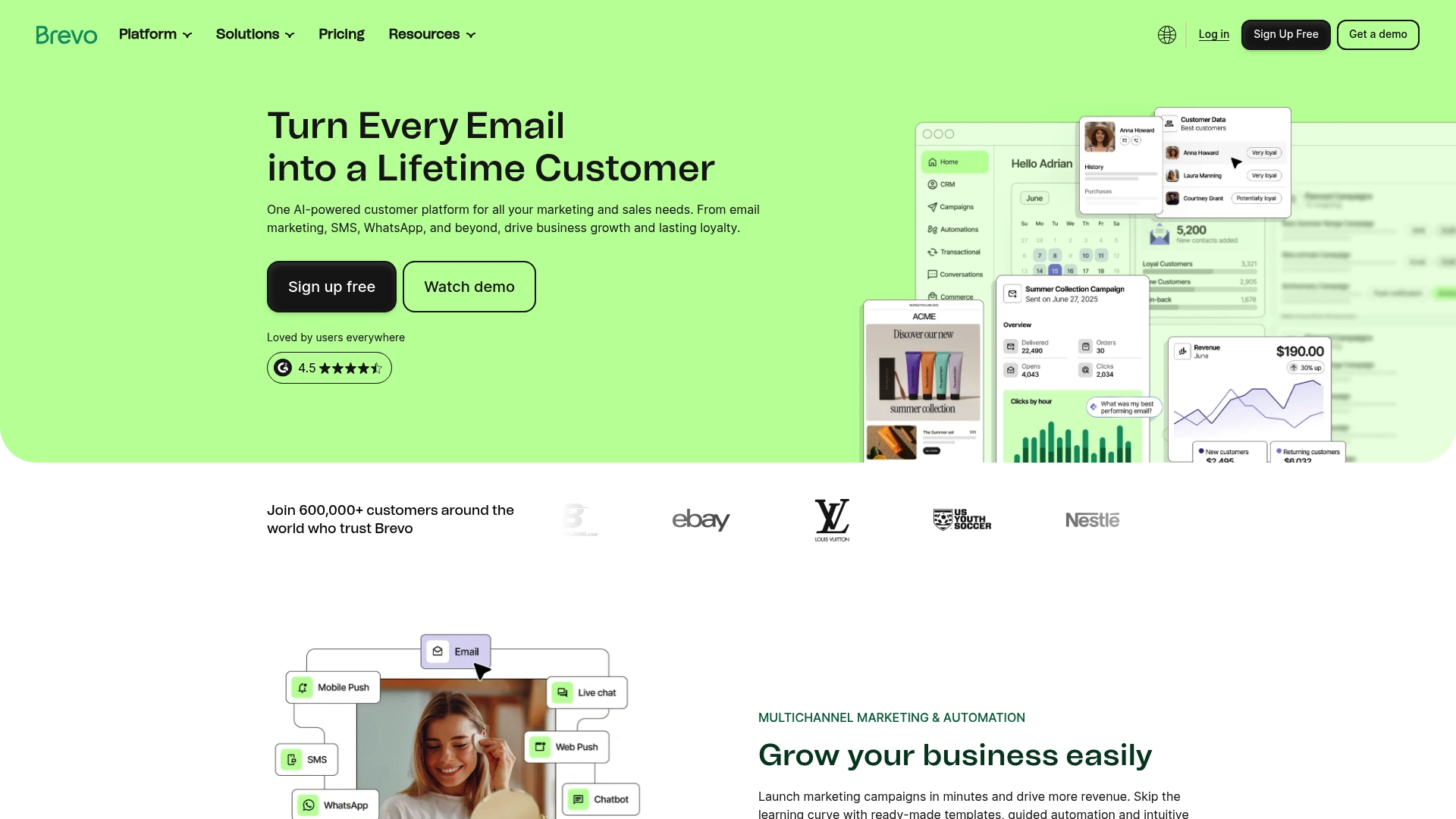
Brevo is an AI-powered customer platform that combines email, SMS, WhatsApp, and multichannel automation in one place. It suits businesses that want to move from scattered tools to a single platform for marketing, sales, and customer data.
Core Features
Brevo offers campaigns and automation for multichannel customer journeys and handles transactional messaging through SMTP relay and API. It includes sales management with custom pipelines and chat and a Brevo Data Platform that unifies customer data and activates it for targeted outreach.
Pros
- All in one platform: Brevo covers marketing, sales, and customer data in a single suite so you reduce tool switching and data silos.
- True multichannel reach: Email, SMS, WhatsApp, and push notifications let you meet customers on the channels they use most.
- Built in automation and AI: Automation and AI features personalize journeys and optimize send times without manual intervention.
- Extensive integrations: More than 150 digital tools connect natively so you can plug Brevo into existing systems quickly.
- Flexible pricing tiers: Plans scale from small business needs to enterprise volumes helping companies grow without sudden platform changes.
Cons
- The platform can feel complex for new users because it combines many advanced features in one product.
- Higher pricing tiers may be expensive for early stage startups that run tight budgets and small contact lists.
- Advanced capabilities have a learning curve which means teams need time or training to get full value from automation and data tools.
Who It’s For
Brevo fits businesses of all sizes that want to automate and unify marketing and sales with AI and multichannel capabilities. It works for retailers, service providers, and B2B sellers that need both campaign orchestration and transactional messaging in one place.
Unique Value Proposition
Brevo brings marketing, sales, and customer data together under an AI-driven framework so you can design automated journeys and act on unified customer profiles. The combination of transactional channels and loyalty features makes it a practical choice for teams that want one platform for acquisition and retention.
Real World Use Case
A retail brand uses Brevo to run email and SMS campaigns, manage a loyalty program, and analyze unified customer data. The brand automates welcome sequences and transactional receipts while using purchase history to send targeted offers that increase retention and revenue.
Pricing
Brevo offers a free plan that lets small teams start quickly. Paid plans begin at $8.08 per month for basic features and scale with contact volume and added functionality for larger operations.
Website: https://brevo.com
MailerLite
At a Glance
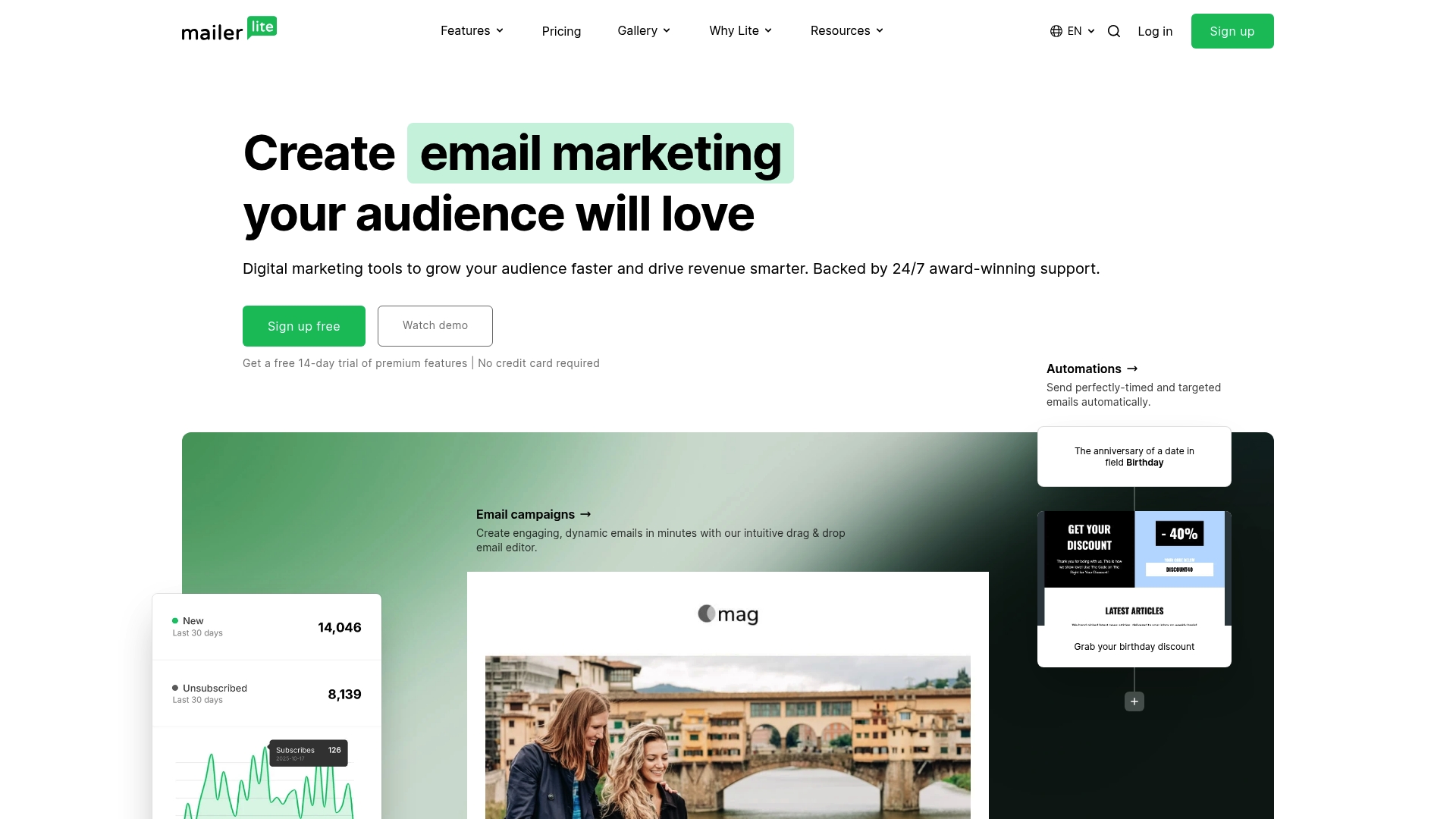
MailerLite is a straightforward email marketing platform built for small businesses and creators who want results without a steep learning curve. It combines email marketing, automation, and a website builder into one package with 24/7 support and a clear pricing path.
Core Features
MailerLite provides tools to send newsletters and automated sequences, build websites and blogs, collect leads with landing pages and signup forms, and monetize with paid newsletters and digital product sales. The platform also offers an extensive template library and an email verifier to help keep lists healthy.
Pros
- User-friendly interface with a drag & drop editor: The editor speeds design so small teams can launch campaigns without a designer.
- Comprehensive automation features: Automation workflows let you set follow ups and basic customer journeys to save time on repetitive emails.
- Extensive template library for quick setup: Prebuilt templates for newsletters, landing pages, and pop ups reduce setup time for campaigns.
- Good customer support with 24/7 availability: Around the clock support helps when you need fast answers for campaign issues or deliverability questions.
- Offers free plan suitable for small audiences: The free tier supports up to 500 subscribers so you can start testing email strategies without upfront cost.
Cons
- Limited automation steps in lower tier plans: Smaller plans restrict the complexity of automations, which can frustrate businesses needing multi step workflows.
- Some features only available on higher or paid plans: Advanced tools like higher sending limits and premium integrations are gated behind paid tiers.
- Less advanced segmentation options in free plans: Segmenting and targeting remain basic on the free tier so audience personalization can be limited.
Who It’s For
MailerLite fits small business owners, solopreneurs, creators, and marketers who need a single platform for email, landing pages, and a simple website. It works well for teams that value ease of use and predictable costs while scaling subscriber lists.
Unique Value Proposition
MailerLite stands out by packaging email marketing, basic ecommerce options, and site building into an affordable, approachable product. The combination of a generous free plan, templates, and 24/7 support makes it appealing for businesses that want quick setup and steady growth.
Real World Use Case
A small e commerce store uses MailerLite to design branded newsletters, automate cart abandonment follow ups, and run targeted promotions via landing pages. The store relies on templates and automation to increase repeat purchases with limited staff time.
Pricing
MailerLite offers a free plan for up to 500 subscribers with basic features. Paid plans start at $10 per month for growing businesses and unlock higher subscriber limits and additional features. Premium features can be trialed for 14 days.
Website: https://mailerlite.com
Moosend
At a Glance
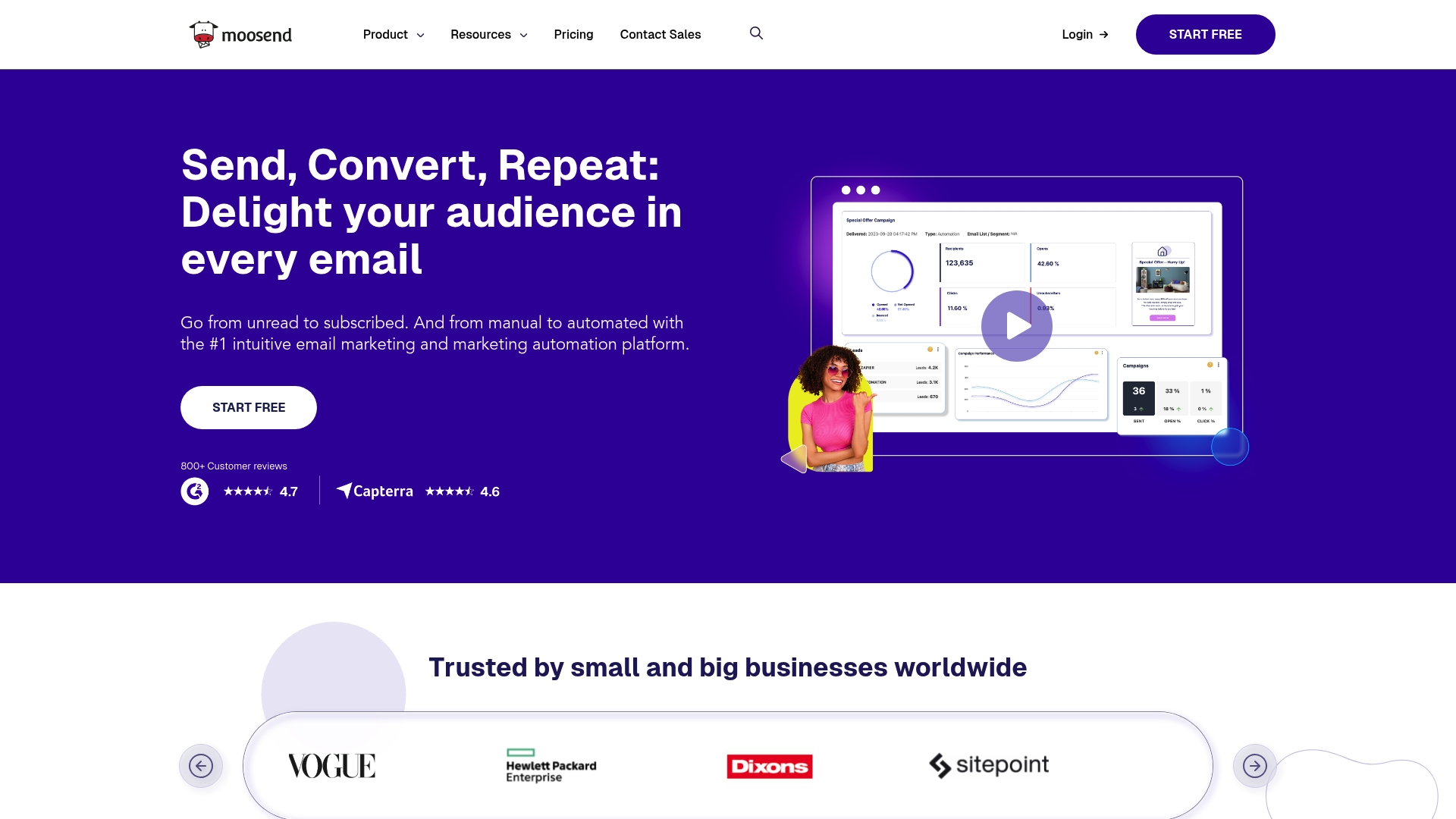
Moosend is an email marketing and marketing automation platform that balances usability with advanced features for growing businesses. It helps you build campaigns, landing pages, and automated customer journeys with AI assistance and solid integration options.
- Quick facts: starts at $7 per month, offers AI content tools, and supports landing pages and subscription forms.
Core Features
Moosend combines campaign automation, audience segmentation, and AI powered content to run targeted emails and automated workflows. The platform also includes landing pages and subscription forms to capture leads and track user behavior for smarter targeting.
- Key capabilities include campaign automation, behavior tracking, and product recommendations powered by AI.
Pros
- User friendly interface and dashboard make campaign setup faster for non technical teams and reduce onboarding time.
- Comprehensive automation and segmentation features let you build multi step journeys and slice audiences by behavior for more relevant messaging.
- AI driven content and recommendations speed up copy creation and suggest products that match customer intent inside campaigns.
- Flexible plans including free trial and pay as you go options allow small businesses to start without a large upfront commitment.
- Strong integration capabilities with popular apps and APIs make it simpler to connect CRM, ecommerce, and analytics tools.
- Trusted by large brands and enterprises which signals the platform scales beyond small projects when needed.
Cons
- Limited information on pricing tiers and costs makes it harder to forecast budget for growth without contacting sales or testing the platform.
- Specific limitations or downsides are not detailed in the provided data which leaves unclear how the platform compares on deliverability and advanced reporting.
- Some advanced features or integrations might require higher tier plans or additional costs which can raise total cost as your needs grow.
Who It’s For
Moosend fits small business owners and marketers who want a straightforward platform that scales into enterprise features as needs increase. It works well for teams that value ease of use and want AI help crafting messages without hiring additional staff.
- Ideal users: small ecommerce brands, subscription services, and marketing teams at growing companies.
Unique Value Proposition
Moosend promises an approachable experience that still delivers enterprise capable automation and AI tools. The standout is the combination of easy to use workflows and AI assisted content which shortens campaign production time while maintaining personalization.
- USP summary: approachable automation plus AI content for faster, targeted email marketing.
Real World Use Case
A retail company uses Moosend to automate personalized email campaigns for product launches, build landing pages for seasonal promotions, and segment shoppers for targeted offers. The result is higher engagement and more conversions from focused promotions.
- Use case highlights: automated launch sequences, conversion oriented landing pages, audience segmentation for promotions.
Pricing
Pricing details are available on the website with plans starting from $7 per month for basic features and scalable options for different business sizes and needs. Contact sales for precise tier comparisons and enterprise pricing.
Website: https://moosend.com
GetResponse
At a Glance
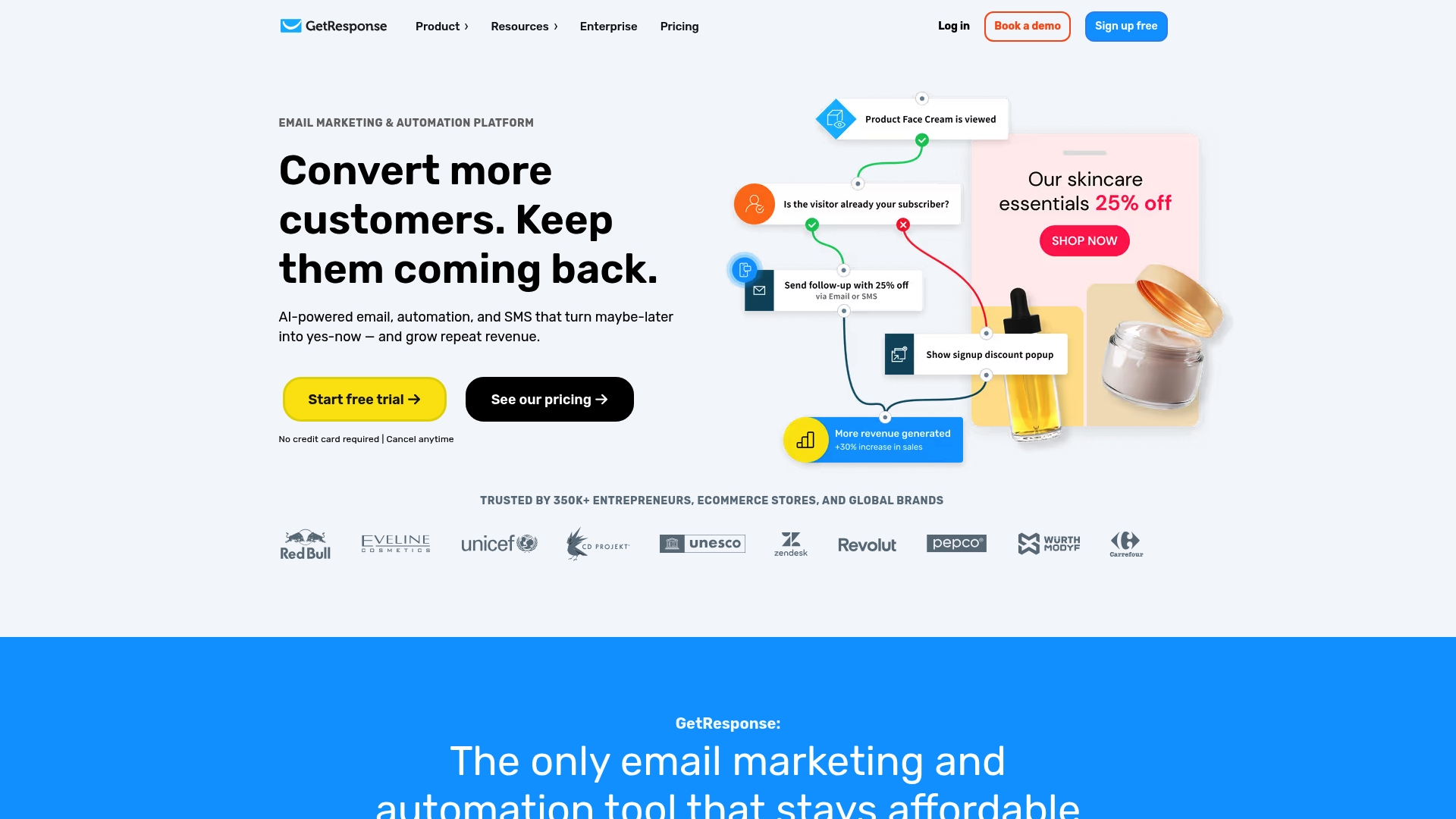
GetResponse is an all-in-one email marketing and automation platform that combines list building, AI tools, and webinar hosting to help businesses grow revenue and retain customers. It suits entrepreneurs who want scalable features without stitching multiple tools together.
Core Features
GetResponse provides email marketing, marketing automation, landing pages, a website builder, and AI-powered signup forms and popups as core capabilities. These tools work together to capture leads, nurture prospects, and run webinars from the same account.
Short and practical.
Pros
- User-friendly platform with wide tools: The interface groups email, automation, landing pages, and webinars in one place so small teams manage fewer logins.
- AI-powered content generation: Built-in AI speeds up subject lines, copy, and form recommendations to save time when you need campaigns quickly.
- Strong customer support and resources: The platform includes help materials and support to guide setup and troubleshooting for nontechnical users.
- Trusted by successful brands: A large user base signals reliability and tested workflows for businesses scaling email efforts.
- Flexible plans with scalable features: Tiered plans let you start small and add capabilities as list size or needs increase.
Cons
- Pricing may be higher for small or new businesses, which can strain tight marketing budgets when billed annually.
- Some advanced automation features have limitations in lower-tier plans, requiring upgrades to access full functionality.
- Interface complexity for new users could be a challenge, especially when combining landing pages, automation, and webinar tools.
Who It’s For
GetResponse fits businesses and entrepreneurs who want an all-in-one email marketing, automation, and content monetization solution with room to grow. If you run ecommerce, sell courses, or host webinars and prefer fewer separate tools, this platform matches that workflow.
Unique Value Proposition
GetResponse stands out by bundling email, landing pages, a website builder, and webinar hosting with AI-powered content help. That combination reduces tool switching and helps small teams move from lead capture to sales within one platform.
Real World Use Case
A small online retailer uses GetResponse to build an email list with signup forms, send segmented campaigns, automate cart recovery sequences, and host product webinars to engage customers and increase conversions.
Pricing
Plans start at $15.58 per month billed annually for the Starter plan. Additional tiers such as Marketer, Creator, and Enterprise add features and higher limits at higher prices, letting businesses choose based on list size and needs.
Website: https://getresponse.com
Constant Contact
At a Glance
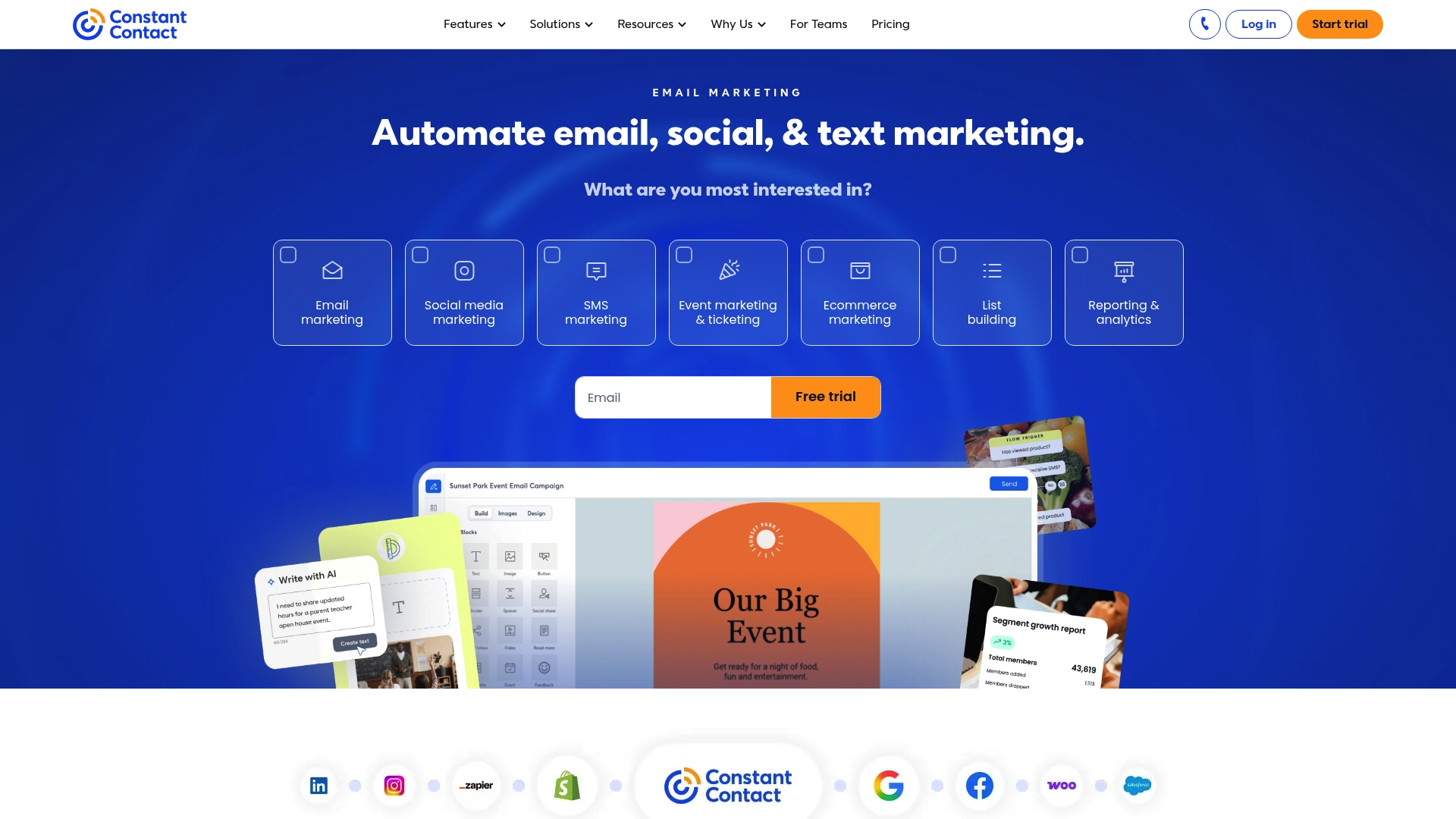
Constant Contact is a digital marketing platform built for small businesses that combines email, social posting, list building, automation, and analytics into a single interface. The bottom line is practical power with approachable tools for everyday marketing needs.
Core Features
Constant Contact centers on Email Marketing for creating, sending, and tracking campaigns while offering Social Media integration for content sharing. It also includes list building, automation, and reporting and analytics to measure performance and refine messaging over time.
Pros
- User-friendly interface makes campaign setup and list management accessible for small business owners with limited technical experience.
- Comprehensive marketing tools let you handle email, social posting, automated messaging, and analytics without juggling separate platforms.
- Strong resource library provides training and support resources that help teams learn best practices and troubleshoot common issues quickly.
- Flexible plans and scalable options allow businesses to start small and expand features and contact capacity as they grow.
- Dedicated team solutions support organizations managing multiple accounts, which saves time for agencies and multi-location businesses.
Cons
- Pricing can become expensive for large contact lists or when advanced features are required, making total cost higher than some alternatives.
- Platform complexity can overwhelm absolute beginners who prefer a minimal, step by step experience for their first campaigns.
- Limited customization options reduce control for users who need highly tailored templates or advanced design flexibility for campaigns.
Who It’s For
Constant Contact fits small to medium-sized businesses that want an all in one marketing tool without a steep learning curve. It suits retail shops, local services, and small teams that need email and social tools managed from a single dashboard.
Unique Value Proposition
Constant Contact combines core marketing capabilities with a robust support ecosystem so business owners spend less time troubleshooting and more time engaging customers. The mix of automation, easy list tools, and training resources makes it a practical choice for teams focused on steady growth.
Real World Use Case
A local retail store uses Constant Contact to send weekly promotional emails, post store updates to social channels, and automate birthday greetings to customers. Those combined touchpoints help increase foot traffic and repeat purchases while keeping marketing manageable.
Pricing
Constant Contact offers a 30 day free trial and entry level plans that scale by features and contact count. Paid plans start at $12 per month for Lite, $35 per month for Standard, and $80 per month for Premium with discounts available for prepaid plans.
Website: https://constantcontact.com
Comparison of Content Marketing and Email Tools
The table below provides an overview of the key features, advantages, disadvantages, target audiences, and pricing for various content marketing and email tools, enabling readers to make an informed choice.
| Tool | Key Features | Pros | Cons | Target Audience | Pricing | |||
| Sender.net | Email campaigns, automation, transactional messages, SMS, lead capture | Comprehensive platform High deliverability rates Generous free plan |
Interface complexity for beginners Limited template customization |
Small businesses Marketers seeking scalable email solutions |
Free plan: 2,500 subscribers Paid plans starting at $7/month |
|||
| Mailchimp | Email marketing, social media tools, AI marketing tools, templates, audience management | User-friendly interface Strong analytics and reporting Wide range of integrations |
Costly for large lists Learning curve for advanced automations |
Small to medium-sized businesses Professionals valuing analytics and automation |
Free tier available Plans from $13/month |
|||
| Brevo | Multichannel campaigns, transactional messaging, customer data platform, AI-driven personalization | All-in-one platform True multichannel reach Built-in automation and AI |
Higher pricing tiers for startups Complex for new users |
Businesses of all sizes Retailers B2B sellers |
Free plan available Paid plans starting at $8.08/month |
|||
| MailerLite | Email marketing, automation, website builder, monetization tools | User-friendly editor Extensive templates 24/7 support |
Limited automation in lower tiers Less advanced segmentation options in free plans |
Small business owners Solopreneurs Creators |
Free tier: 500 subscribers Paid plans starting at $10/month |
|||
| Moosend | Campaign automation, audience segmentation, AI-driven content, landing pages, subscription forms | Easy-to-use interface Flexible pricing options Strong integration capabilities |
Pricing unclear for larger tiers Potential limitations at higher costs |
Small businesses Growing companies |
Plans from $7/month | |||
| GetResponse | Email marketing, automation, landing pages, webinar hosting, AI-powered tools | User-friendly platform Integrated webinars AI content generation |
Higher pricing for small businesses Interface complexity for combining multiple features |
Entrepreneurs Ecommerce Course sellers |
Plans starting at $15.58/month billed annually | |||
| Constant Contact | Digital marketing platform; email campaigns, social media posts, analytics | User-friendly Comprehensive tools Strong resource library |
Pricing for large lists Limited customization for advanced needs |
Small to medium-sized businesses Retail shops Local services |
Plans starting at $12/month |
Elevate Your Email Marketing with Clear, Story-Driven Messaging
The “Top 8 Email Marketing Platforms 2026” highlights powerful tools for campaign automation and multichannel outreach. Yet many businesses still struggle with a key challenge — messaging that fails to convert leads and engage prospects effectively. If your emails or website content feel confusing or disconnected from customer needs, you are not alone.
At Stonington Media, we specialize in diagnosing where your communication breaks down and fixing it with clear, focused, and outcome-driven messaging. Our expert-led marketing communications services provide targeted website messaging audits, structured improvement plans, and rewrite services that turn curious visitors into committed customers.
Don’t let the best email marketing platform fall short because your message does not hit the mark. Discover how story-driven content can unlock your lead potential today. Explore our offerings and start transforming your email and website messaging now at Stonington Media. Take action and see measurable results fast.
Frequently Asked Questions
What should I consider when choosing an email marketing platform in 2026?
Selecting an email marketing platform involves evaluating your business size, specific features needed, and budget. Make a checklist of your essential requirements, such as automation, deliverability rates, and integration capabilities, to narrow down your options effectively.
How can I improve the deliverability of my email campaigns using these platforms?
Improving deliverability requires focusing on your email content, list hygiene, and sender reputation. Regularly clean your email list to remove inactive subscribers and craft engaging content to maintain a good sender score.
What are the key features to look for in an all-in-one email marketing platform?
Key features include campaign automation, analytics, segmentation, and user-friendly design tools. Assess your needs and look for platforms that provide comprehensive resources for reporting and supporting your marketing goals.
How can I measure the success of my email marketing campaigns effectively?
To measure success, track metrics such as open rates, click-through rates, and conversion rates. Analyze this data regularly to identify trends and areas for improvement, aiming to increase engagement by at least 10% in your next campaign.
What types of automation can I expect from leading email marketing platforms?
Leading email marketing platforms typically offer automation types such as welcome series, abandoned cart reminders, and behavior-triggered messages. Set up these automated workflows to save time and enhance customer engagement with timely communications.
Is it possible to integrate social media with email marketing platforms?
Yes, many email marketing platforms allow for seamless social media integration, enabling you to share email content on social channels. Take advantage of these features to expand your reach and connect with your audience across different platforms.
Recommended


Additional Reading:
- What is professional screenplay coverage (and do you actually need it?)
- What is professional screenplay coverage, really?
- How to Know If Your Screenplay Concept Is Strong Enough
- Why Most Second Acts Collapse (And How Coverage Detects It)
- How Professional Readers Evaluate Character Arcs
- Is Your Script Marketable?
Indexes: