


Script formatting explained: The key to screenplay success
Most screenwriters obsess over story, character, and dialog, yet 83% of readers reject poorly formatted scripts before they ever engage with the actual narrative. That statistic is not a minor footnote. It is a signal that formatting functions as a first impression, a credibility marker, and a professional handshake all at once. Before your story gets a chance to breathe, your formatting either opens the door or closes it. This article breaks down exactly what script formatting is, why it carries so much weight in the industry, and how you can apply its standards with confidence from your very first draft.
Table of Contents
- What is script formatting and why does it matter?
- The essential elements: Anatomy of a properly formatted script
- Spec scripts vs. shooting scripts: Key differences in formatting
- Edge cases and advanced formatting: What to do with voiceovers, off-screen, and overlaps
- Script formatting in practice: Workflow, tools, and common pitfalls
- The uncomfortable truth: Formatting is a craft, not just a box to check
- Level up your storytelling: Next steps and professional resources
- Frequently asked questions
Key Takeaways
| Point | Details |
|---|---|
| Formatting matters | Industry-standard formatting is essential for getting your script read and produced. |
| Standard elements | Use Courier 12pt font and precise margins with proper scene, dialogue, and action conventions. |
| Spec vs. shooting scripts | Know when to include or omit production directions based on your script type. |
| Tools reduce errors | Screenwriting software simplifies formatting and lets you focus on storytelling. |
| Clarity and collaboration | Good formatting signals professionalism and respect for your creative team. |
What is script formatting and why does it matter?
Script formatting is the standardized system that governs how a screenplay is visually presented on the page. It covers everything from font choice and margin widths to the precise placement of scene headings, character cues, and dialog blocks. Think of it as the grammar of screenwriting. Just as grammatical rules make prose readable, formatting rules make scripts usable by every person in the production chain.
The purpose goes beyond aesthetics. Format ensures readability, production efficiency, and professionalism in ways that directly affect how a script moves through the industry. A properly formatted page equals roughly one minute of screen time, which means producers and directors can estimate a film’s runtime at a glance. That practical utility is built into the system.
Here is a quick overview of what formatting governs:
- Font and size: Courier 12pt is the universal standard
- Margins: Left margin at 1.5 inches, right at 1 inch, top and bottom at 1 inch
- Spacing: Scene headings are preceded by two blank lines; action lines use single spacing
- Element placement: Character names are centered; dialog is indented and narrower than action
- Transitions: Used sparingly and placed at the right margin
The good news is that you do not have to manage all of this manually. Screenwriting software like Final Draft or Celtx automates formatting decisions, reducing errors and letting you focus on story. Still, understanding the rules yourself is essential. Software can format your script, but it cannot judge whether your choices are appropriate for the context.
Following screenplay formatting standards is not about rigid compliance. It is about respecting the collaborative nature of filmmaking and signaling that you understand how the industry works.
“A script that looks right before it is read tells the reader that the writer knows what they are doing.” This first impression shapes everything that follows.
The essential elements: Anatomy of a properly formatted script
Understanding the individual elements of a script is where formatting becomes tangible. Each component has a specific role, a specific position on the page, and a specific relationship to the elements around it. Learning the parts of a screenplay gives you a working map of the page.
Here is how the core elements are structured:
| Element | Position on page | Margin/indent |
|---|---|---|
| Scene heading (slug) | Full width | Left margin (1.5″) |
| Action line | Full width | Left margin (1.5″) |
| Character cue | Centered | ~3.7″ from left |
| Dialog | Indented block | ~2.5″ from left |
| Parenthetical | Below character cue | ~3.1″ from left |
| Transition | Right-aligned | Right margin |
A numbered walkthrough helps clarify how these elements flow together:
- Scene heading: Opens every new scene. Written in all caps. Example: INT. COFFEE SHOP – DAY
- Action line: Describes what the audience sees. Present tense, active voice. Keep it tight.
- Character cue: The speaking character’s name, in all caps, centered above their dialog.
- Parenthetical: A brief performance note in parentheses, used only when absolutely necessary.
- Dialog: The spoken words, indented and narrower than action lines.
- Transition: CUT TO: or FADE OUT. Used at scene breaks, but rarely in spec scripts.
Standard screenplay formatting uses Courier 12pt, strict margins, and standardized scene and dialog conventions that have been consistent across the industry for decades. These conventions exist because they were designed for readability under production pressure.
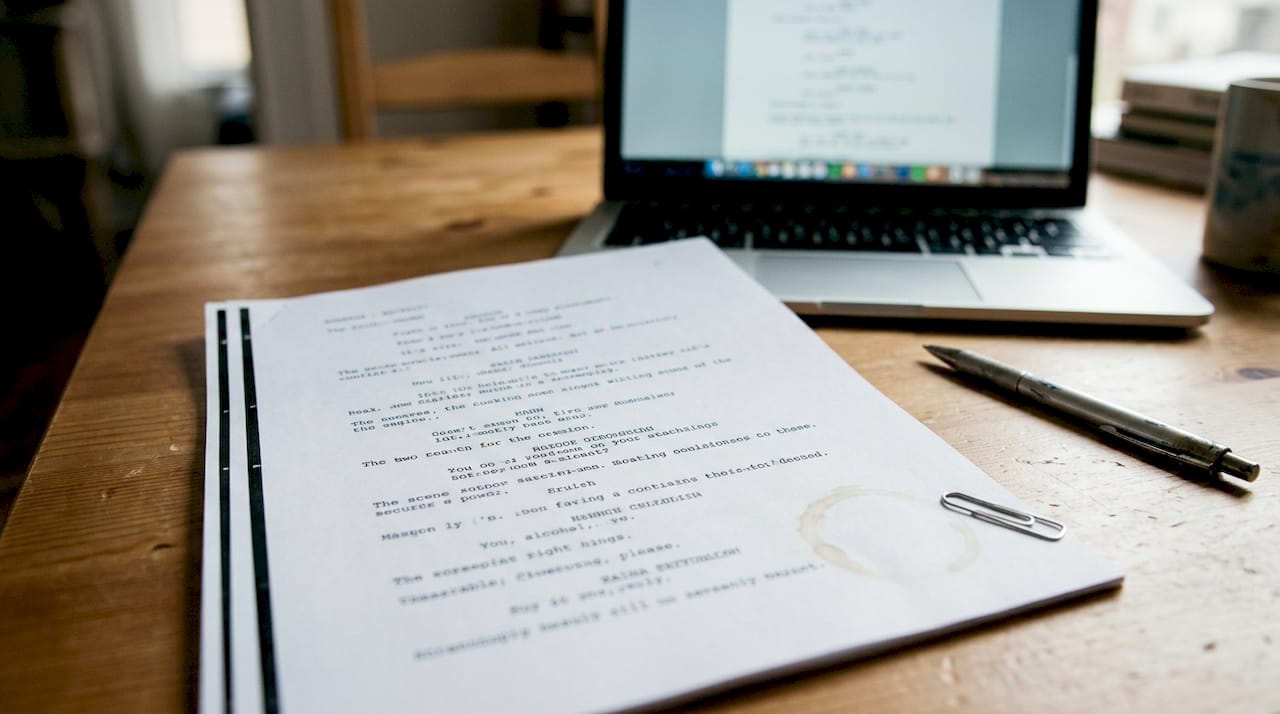
Pro Tip: Resist the urge to write long action blocks or frequent parentheticals. Readers move fast. Action lines over four sentences slow the read and signal an inexperienced writer. Keep action tight and trust your dialog to carry character.
Spec scripts vs. shooting scripts: Key differences in formatting
Not all scripts serve the same purpose, and formatting reflects that difference clearly. The two primary types you will encounter are the spec script and the shooting script, and confusing their conventions is a common mistake.
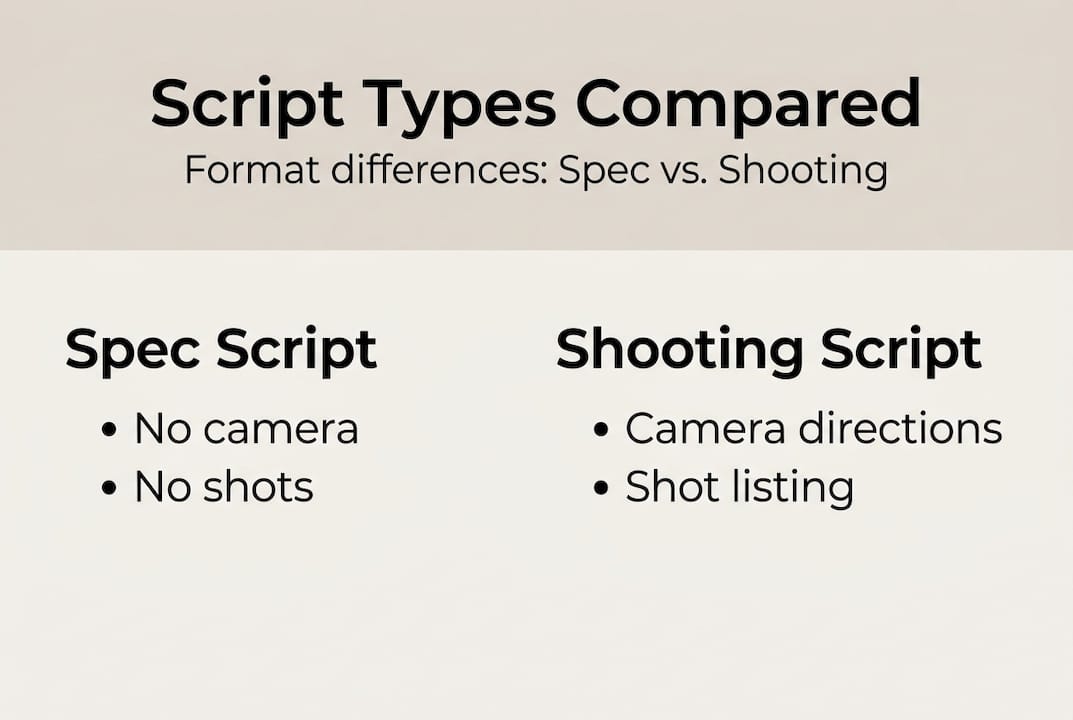
A spec script is a writing sample. Its job is to demonstrate your voice, your storytelling instincts, and your ability to structure a narrative. It is a selling tool, not a production manual. Spec scripts avoid technical directions and scene numbers; shooting scripts add them for production use once a project is greenlit.
| Feature | Spec script | Shooting script |
|---|---|---|
| Scene numbers | No | Yes |
| Camera directions | Avoid | Included |
| Technical notes | Minimal | Detailed |
| Purpose | Selling/sample | Production use |
| Revision marks | No | Yes |
For new writers, spec scripts are the right starting point. Here is what to avoid when writing one:
- Do not include scene numbers along the margins
- Avoid camera directions like CLOSE ON or PAN TO
- Skip technical production notes that belong to the director
- Do not use revision color codes or locked page indicators
- Avoid CONTINUED at the top and bottom of every page
Thinking about making a script marketable starts with understanding which type of script you are writing and formatting it accordingly. A spec script loaded with camera directions reads as amateurish because it signals that the writer does not trust the director. Clean, story-focused formatting communicates confidence.
Edge cases and advanced formatting: What to do with voiceovers, off-screen, and overlaps
Once you have the basics down, you will encounter situations that the standard rules do not fully address. These edge cases come up constantly in professional scripts, and handling them correctly separates polished work from work that feels unfinished.
Common industry conventions for V.O., O.S., CONT’D, INTERCUT, subheaders, and overlapping dialog follow consistent patterns that readers recognize immediately. Here is how to apply them:
- V.O. (Voice-Over): Used when a character narrates over the action. Written as CHARACTER (V.O.) above the dialog block.
- O.S. (Off-Screen): Used when a character speaks but is not visible in the scene. Written as CHARACTER (O.S.).
- CONT’D: Placed after a character name when the same character continues speaking after an action line interrupts their dialog.
- INTERCUT: Used for cross-cutting between two simultaneous scenes, like a phone conversation. Written as an action line: INTERCUT WITH:
- Interrupted dialog: End the line with an em dash in the dialog itself to show a character being cut off mid-sentence.
- Overlapping dialog: Use (OVERLAPPING) as a parenthetical when two characters speak at the same time.
Action lines deserve special attention here. Keeping them under two to four lines per block is not just a style preference. It is a readability standard that keeps the read moving at the pace of the film itself. Long action blocks stall momentum and frustrate readers.
Pro Tip: When understanding script workflow from treatment to final draft, treat these edge-case conventions as tools rather than rules. Use V.O. and O.S. only when the story genuinely requires them. Overusing them signals a writer who leans on technique rather than scene construction.
Script formatting in practice: Workflow, tools, and common pitfalls
Knowing the rules is one thing. Building them into a consistent writing practice is another. Here is a practical workflow that takes you from blank page to polished draft with formatting integrated at every stage.
- Outline first: Before you open your screenwriting software, map your structure. Formatting problems often trace back to structural confusion.
- Use dedicated software: Open your project in Final Draft, Celtx, WriterDuet, or a free option like Fade In. Let the software handle margins, fonts, and element spacing automatically.
- Write without formatting anxiety: In the first draft, focus on story. Your software is handling the technical side.
- Polish in passes: On revision, check action line length, parenthetical overuse, and slug line consistency.
- Do a formatting audit: Before submission, review your script specifically for formatting errors, not story issues.
Screenwriting software automates formatting and reduces errors, freeing your attention for the creative work that actually matters. That is the real value of these tools. They remove friction.
Length is also part of formatting discipline. Feature scripts are typically 90 to 120 pages; TV half-hours run 40 to 55 pages. Exceeding these benchmarks without a compelling reason signals a lack of editorial control.
“The best screenwriting software does not make you a better writer. It removes the obstacles that prevent you from being one.”
For writers ready to take the next step, writing a screenplay professionally means treating formatting as a built-in habit, not an afterthought applied at the end.
The uncomfortable truth: Formatting is a craft, not just a box to check
Most guides treat formatting as a compliance exercise. Follow the rules, avoid the mistakes, submit the script. But that framing misses something important.
Formatting is a form of storytelling in presentation. When a reader opens your script and the page looks clean, balanced, and purposeful, they are already receiving a signal about how you think. Tight action lines suggest a writer who values economy. Minimal parentheticals suggest a writer who trusts actors. Correct slug lines suggest a writer who understands spatial storytelling.
Those signals accumulate. Industry readers make judgments in the first ten pages, sometimes the first five. They are not just reading your story. They are reading your competence.
There is also an ethical dimension here that rarely gets discussed. Formatting is how you honor the people who will collaborate on your work. Directors, actors, producers, and crew all depend on a clear, readable script to do their jobs. Sloppy formatting is not just an aesthetic failure. It is a failure of professional respect.
The writers who treat formatting as a craft rather than a checklist are the ones who understand that professional script coverage value comes from scripts that are ready to be evaluated, not just written. Formatting readiness is story readiness.
Level up your storytelling: Next steps and professional resources
Formatting is the foundation, but it is only the beginning of what makes a script work at a professional level. The structure beneath your scenes, the development arc of your characters, and the clarity of your narrative all determine whether a well-formatted script also becomes a compelling one.

At Stonington Media, we have built a set of resources specifically for writers who want to move from technically correct to genuinely powerful. Explore our story structure resource to understand how narrative architecture shapes reader experience. Dig into our story development guide for a practical framework on developing your script from concept to draft. And browse the full story craft index for targeted guidance on every stage of the writing process. Your formatting is ready. Now make sure your story is too.
Frequently asked questions
What font and margins should I use for a screenplay?
Industry standard is Courier 12pt, with a 1.5-inch left margin, 1-inch right margin, and 1-inch top and bottom margins. These specifications have remained consistent across the industry for decades.
Can I use Microsoft Word for script formatting?
While technically possible, dedicated screenwriting software automates formatting and significantly reduces the risk of errors that Word cannot catch on its own.
How many pages should a standard feature screenplay be?
Feature screenplays are 90 to 120 pages based on industry benchmarks, with each page representing approximately one minute of screen time.
What happens if my script is formatted incorrectly?
Scripts with formatting errors are frequently dismissed before the story is ever evaluated, since 83% of readers reject poor formatting early in the review process.
What are the main differences between a spec script and a shooting script?
Spec scripts and shooting scripts differ primarily in purpose: spec scripts focus on story and omit technical directions, while shooting scripts include scene numbers, camera notes, and production details for active use on set.
Recommended



Additional Reading:
- What is professional screenplay coverage (and do you actually need it?)
- What is professional screenplay coverage, really?
- How to Know If Your Screenplay Concept Is Strong Enough
- Why Most Second Acts Collapse (And How Coverage Detects It)
- How Professional Readers Evaluate Character Arcs
- Is Your Script Marketable?
Indexes: